

How to Onboard Course Participants for CEU Success

Finding an efficient way to onboard architects and designers for CEU courses can feel like a real challenge for American hospitality furniture manufacturers eager to increase specifications. When the process is too confusing, participants drop off early and engagement suffers. By focusing on a seamless onboarding experience, you set the stage for higher retention and smoother course access, helping your team turn CEU events into specification opportunities that actually drive results.
Table of Contents
- Step 1: Prepare Onboarding Materials and Platform
- Step 2: Invite and Register Participants Efficiently
- Step 3: Guide Participants Through Course Access
- Step 4: Support Engagement and Address Questions
- Step 5: Verify Onboarding Completion and Readiness
Quick Summary
| Key Point | Explanation |
|---|---|
| 1. Prepare Clear Onboarding Materials | Create a comprehensive one-page event packet with critical course details, technical requirements, and support information to ease participant entry. |
| 2. Automate the Registration Process | Utilize a streamlined, single-page registration form and automated welcome email to capture participant details efficiently and create a seamless experience. |
| 3. Develop a Support Engagement Strategy | Implement multiple communication channels and predefined response times to actively address participant inquiries and maintain motivation. |
| 4. Verify Onboarding Completion | Establish a verification checklist to confirm that all onboarding steps are complete before participants gain access to course materials. |
Step 1: Prepare Onboarding Materials and Platform
Successfully onboarding course participants requires strategic planning and thoughtful preparation of materials and digital infrastructure. Your goal is to create a welcoming, intuitive experience that sets participants up for continuing education success.
Building an effective onboarding platform involves several key components. First, develop a comprehensive one-page event packet that clearly outlines course expectations, learning objectives, and technical requirements. This packet should include login instructions, system compatibility details, and a quick-start guide for navigating the learning management system. Creating a seamless onboarding experience depends on providing clear, upfront information that reduces participant confusion.
Next, design interactive tutorial elements that guide participants through the platform. Consider incorporating these essential features:
- User profile setup with personalization options
- Navigation tutorials showing platform functionality
- Progress tracking mechanisms
- Community engagement tools like discussion forums
- Badge or achievement systems to motivate participation
When developing your platform, focus on creating an intentional, interactive journey that helps participants feel connected and supported. Effective eLearning onboarding should equip learners with necessary tools while fostering a sense of belonging.
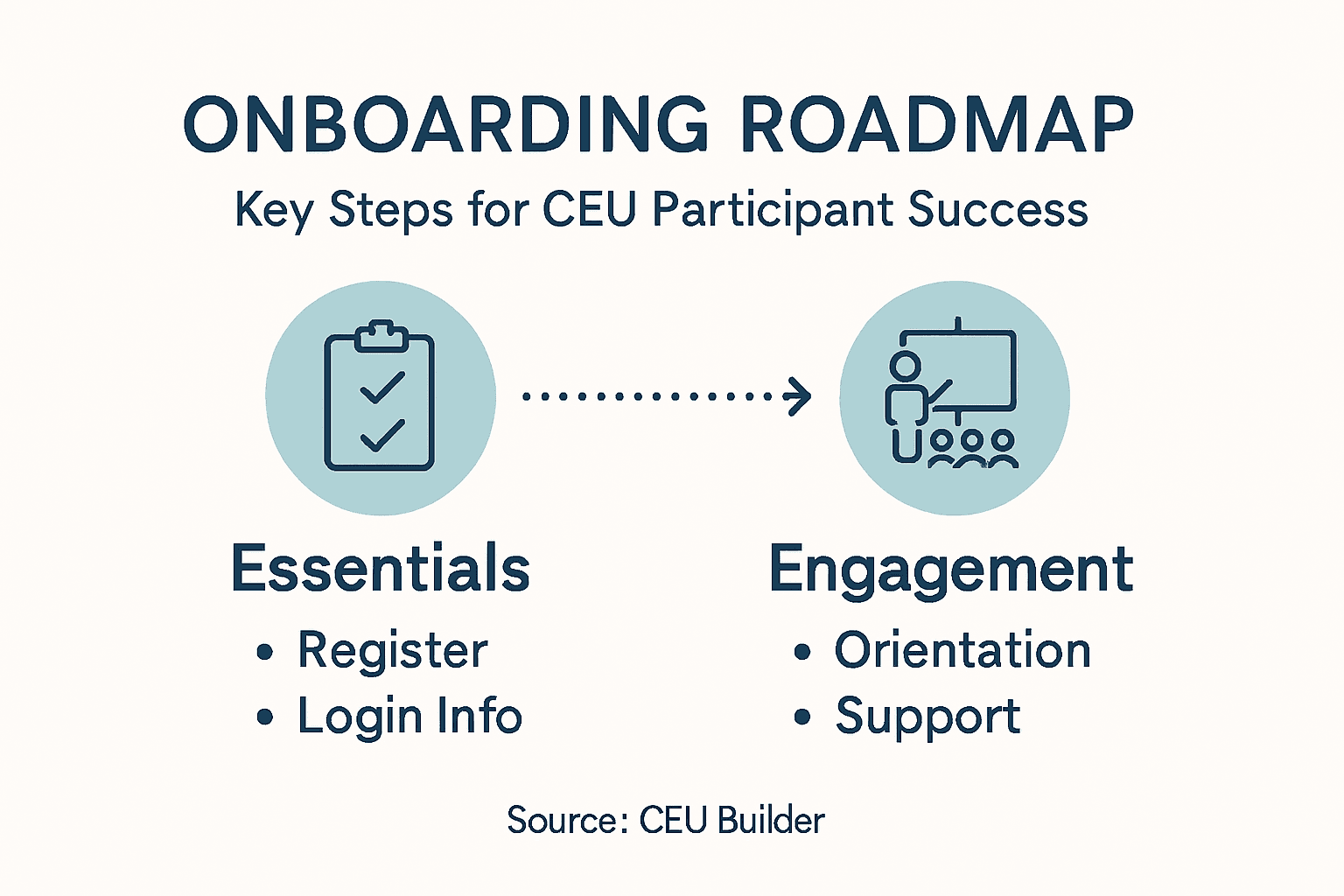
Here’s a summary of onboarding platform features and their impact on learner experience:
| Platform Feature | Learner Benefit | Program Outcome |
|---|---|---|
| User profile personalization | Builds a sense of ownership | Higher participant engagement |
| Navigation tutorials | Reduces confusion early on | Fewer support requests |
| Community discussion tools | Encourages peer interaction | Stronger learning community |
| Progress tracking mechanisms | Increases learner motivation | Improved course completion rate |
| Achievement/badge system | Rewards active participation | Sustained course involvement |
Pro tip: Conduct a small pilot test with 5-10 users to identify and resolve potential onboarding friction points before full platform launch.
Step 2: Invite and Register Participants Efficiently
Streamlining the participant registration process is critical for creating a smooth onboarding experience for your continuing education course. Your objective is to make registration seamless, simple, and fast while capturing all necessary participant information.
Automating customer onboarding can dramatically improve participant engagement and course completion rates. Start by developing a registration workflow that minimizes friction and maximizes efficiency. This means creating a digital registration system with these key components:
- Single-page registration form with essential fields
- Automated welcome email triggered upon registration
- Progress tracking functionality
- Reminder and milestone notification system
- Easy payment integration for course fees
When designing your registration process, integrate features that efficiently manage CEU event registration and provide a clear administrative backend. Ensure your system allows for quick setup of certificate requirements and enables straightforward tracking of participant progress.
Efficient registration isn’t just about collecting information—it’s about creating a welcoming first touchpoint that sets the tone for the entire learning experience.
Pro tip: Design your registration form to collect only the most critical information upfront, with optional detailed profile completion available later to reduce initial barriers to entry.

Step 3: Guide Participants Through Course Access
Navigating a new continuing education platform can be intimidating for participants. Your goal is to create a clear, supportive pathway that helps learners confidently access and engage with course materials from their first interaction.
Successful onboarding requires delivering immediate value through a well-designed access process. Create a comprehensive onboarding checklist that walks participants through each critical step of platform navigation:
- Login credentials setup and verification
- Welcome video tutorial introducing platform features
- Quick start guide with screenshots
- Technical support contact information
- First lesson preview to build initial excitement
Ensure your access process mirrors the structured approach used by professional educational institutions. Detailed onboarding manuals can provide inspiration for creating a systematic introduction to your learning environment.
A well-designed course access strategy transforms initial confusion into confident learning momentum.
Pro tip: Create a short, five-minute orientation video that walks participants through platform navigation, highlighting the most important features and showing them exactly where to find critical resources.
Step 4: Support Engagement and Address Questions
Successful continuing education programs thrive on robust participant support and active engagement. Your mission is to create multiple communication channels that proactively address questions and maintain learner motivation throughout the course.
Maximizing student engagement requires strategic interaction across behavioral, cognitive, and emotional dimensions. Develop a comprehensive support strategy with these critical components:
- Multiple communication channels (email, discussion forums, live chat)
- Dedicated support hours for real-time assistance
- Frequently asked questions document
- Instructor response timeline expectations
- Community discussion spaces for peer interaction
Implementing institutional support practices helps maintain participant motivation by providing clear instructions, timely feedback, and organized course management. Your goal is to create an environment where participants feel supported and empowered to navigate challenges.
Effective support transforms potential frustration into confident learning momentum.
Pro tip: Create an automated first-response system that acknowledges participant inquiries within two hours, even if a detailed solution requires more time.
Step 5: Verify Onboarding Completion and Readiness
The final stage of participant onboarding involves systematically confirming that every individual is fully prepared to begin their continuing education course. Your objective is to create a comprehensive verification process that leaves no detail overlooked.
Onboarding status tracking systems provide visual indicators to help administrators monitor participant progress. Develop a verification checklist with these critical elements:
- Profile completion status
- Payment confirmation
- Technical requirements verified
- Prerequisite documentation submitted
- Initial course module access granted
Utilize a tracking mechanism similar to professional educational institutions, where comprehensive onboarding checklists ensure participants have completed all mandatory steps. Each participant should have a clear status such as ‘Not Started’, ‘In Progress’, ‘Pending Approval’, or ‘Completed’.
Compare key onboarding verification statuses and suggested next actions:
| Status | Description | Recommended Action |
|---|---|---|
| Not Started | Participant has not joined yet | Send welcome and login instructions |
| In Progress | Some steps completed | Remind about pending tasks |
| Pending Approval | Awaiting admin confirmation | Review and validate documentation |
| Completed | All onboarding fulfilled | Grant full course access |
Thorough verification transforms potential confusion into a confident learning launch.
Pro tip: Create an automated dashboard that provides real-time status updates and sends targeted reminders to participants with incomplete onboarding steps.
Elevate Your CEU Participant Onboarding with Expert Support and Proven Systems
Onboarding course participants for CEU success involves overcoming challenges like platform navigation confusion, registration friction, and engagement gaps. If you want to reduce these pain points and ensure every learner is fully prepared and motivated, strategic tools and guided expertise are essential. Your goals include clear communication, streamlined registration, interactive access guidance, and consistent support throughout the learning journey.
CEU Builder specializes in transforming complex education onboarding into smooth, effective experiences that maximize learner readiness and satisfaction. Our IDCEC-accredited courses come with built-in compliance and engagement frameworks designed specifically for hospitality manufacturers. Whether you need a full-service solution with rapid approval or a flexible platform with AI-enabled tools, we provide solutions that handle everything from content creation through accreditation and ongoing course delivery. Learn how to create seamless onboarding journeys, supported by our insights and technology detailed in our General – CEU Builder and Compliance & Accreditation – CEU Builder resources.
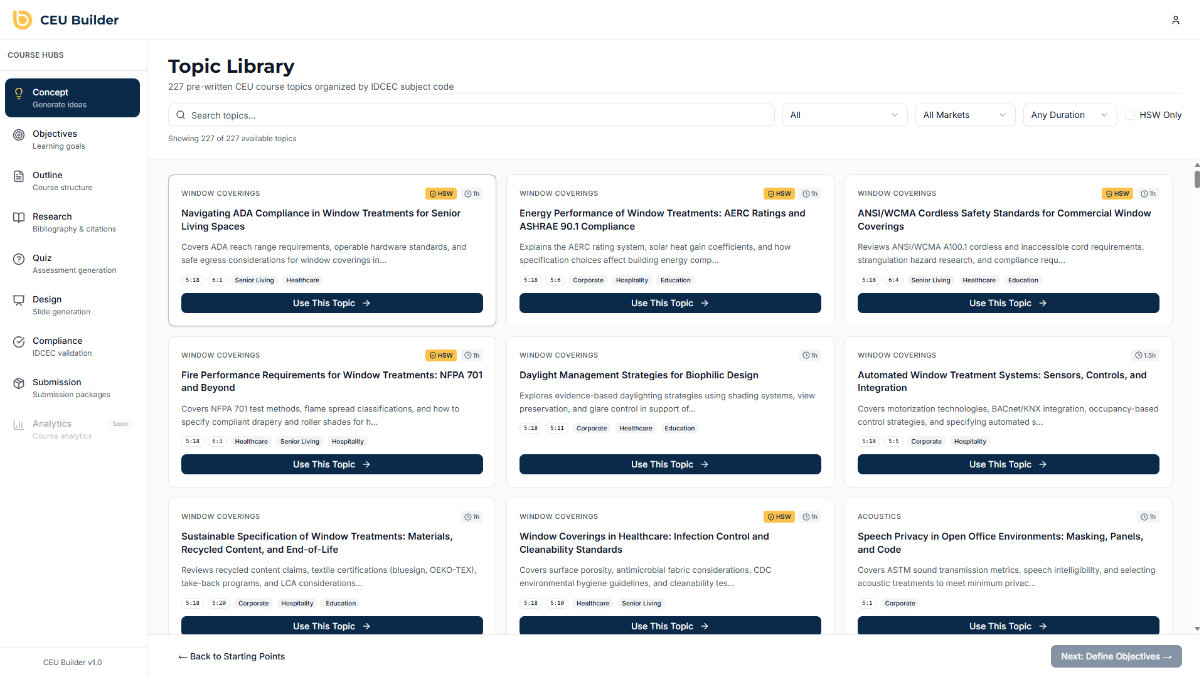
Ready to streamline your participant onboarding and drive CEU success that positions your brand as an educational leader? Visit CEU Builder now to explore how we simplify the entire continuing education process. Take the first step towards frustration-free onboarding and measurable specification impact today.
Frequently Asked Questions
How can I create an effective onboarding platform for course participants?
To create an effective onboarding platform, focus on building comprehensive onboarding materials, such as a one-page event packet outlining expectations and technical requirements. Include features like user profile setup and navigation tutorials to guide participants effectively.
What steps should I include in the registration process for my continuing education course?
Your registration process should include a single-page registration form, an automated welcome email, and an integrated payment system. Aim to collect only essential information upfront to streamline participant entry and enhance the overall onboarding experience.
How can I ensure participants can access course materials easily?
To ensure easy access to course materials, develop a comprehensive onboarding checklist that includes steps for setting up login credentials and viewing a welcome video tutorial. Provide quick start guides and contact information for technical support to assist participants effectively.
What support should I offer to engage course participants during onboarding?
Offer multiple communication channels, such as email, discussion forums, and live chat, to engage course participants. Set up a dedicated support schedule and create a frequently asked questions document to help address common inquiries promptly.
How do I verify that participants have completed the onboarding process?
To verify onboarding completion, create a checklist that includes items like profile completion, payment confirmation, and access to the initial course module. Use a status tracking mechanism to identify participants who are ‘Not Started,’ ‘In Progress,’ or ‘Completed’ to ensure readiness for course commencement.
Recommended
