

Course Registration Process Guide for Streamlined Success
Managing course registration for IDCEC-accredited continuing education can feel like balancing a dozen moving pieces, especially when each requirement must align with industry standards. For North American Marketing Directors at hospitality furniture manufacturers, a well-organized process means less stress and greater credibility when offering in-demand learning opportunities. By focusing on careful documentation and precise course data entry, your team can avoid complications and ensure a smooth pathway from initial registration through course launch.
Table of Contents
- Step 1: Gather All Required Course Details And Documents
- Step 2: Complete Provider And User Setup In The Registration System
- Step 3: Input Course Information Accurately Into The Idcec Portal
- Step 4: Submit Accreditation Application And Track Progress
- Step 5: Verify Approval And Configure Launch Logistics
Quick Summary
| Key Point | Explanation |
|---|---|
| 1. Gather Required Documents | Compile essential materials like IDs and transcripts to ensure a smooth registration process. |
| 2. Configure User Profile | Accurately set up your account’s details for seamless access to the registration system. |
| 3. Input Course Details Correctly | Precise data entry in the IDCEC portal is crucial for meeting accreditation standards. |
| 4. Monitor Accreditation Progress | Track your application status and respond promptly to requests for additional information. |
| 5. Prepare for Course Launch | Verify all details and logistics to ensure a successful and smooth course delivery. |
Step 1: Gather all required course details and documents
Starting your course registration process requires careful preparation and organization. This initial step involves collecting all essential documentation and understanding the specific details that will facilitate a smooth enrollment experience. Proper preparation can prevent potential delays or complications in your registration journey.
Begin by compiling a comprehensive list of required documents for your specific course. These typically include your government-issued identification, prior academic transcripts, and official registration credentials. Most educational institutions require multiple supporting documents to verify your eligibility and process your application effectively.
Your document collection should include:
- Government-issued photo identification
- Academic transcripts from previous institutions
- Proof of prerequisite course completions
- Financial aid or scholarship documentation (if applicable)
- Immunization records
- Proof of residency or citizenship
Pay close attention to specific requirements for your chosen course or program. Some specialized courses might demand additional documentation like professional certifications, work experience verification, or specific examination results. Always contact the institution’s admissions office directly if you have questions about required materials.
Pro tip: Create a dedicated folder or digital portfolio to organize and protect all your registration documents, ensuring easy access and preventing last-minute scrambling.
Pro tip: Scan and save digital copies of all important documents in multiple secure locations, such as cloud storage and a personal hard drive, to prevent potential loss or damage.
Compare manual vs. digital document management methods during registration:
| Method | Organization Ease | Security Level | Risk of Loss/Damage |
|---|---|---|---|
| Manual Folder | Moderate | Low (physical only) | High (paper easily lost) |
| Digital Portfolio | High (quick access) | High (cloud backup) | Low (recoverable backups) |
Step 2: Complete provider and user setup in the registration system
Navigating the registration system requires a strategic approach to establishing your user profile and ensuring smooth course access. This critical step involves configuring your account settings and verifying your credentials to enable seamless participation in your selected educational program.

Begin by accessing the Student Portal and logging in with your institutional credentials. Most systems require detailed profile verification to confirm your identity and enrollment status. Pay close attention to each section of the profile setup, ensuring all information is accurate and complete.
Your account configuration should include:
- Personal identification details
- Contact information verification
- Academic program selection
- Preferred communication preferences
- Security settings and password configuration
- Emergency contact information
Specifically for providers, additional steps involve configuring course availability, setting registration periods, and managing participant access rights. Ensure you have all necessary administrative permissions and understand the system’s specific requirements for course management.
Careful attention to detail during system setup prevents potential registration complications and ensures smooth academic progression.
Pro tip: Always use a strong, unique password and enable two-factor authentication to protect your academic account and personal information.
Step 3: Input course information accurately into the IDCEC portal
Successfully navigating the IDCEC portal requires meticulous attention to detail and strategic information management. This crucial step involves transforming your carefully developed course content into a format that meets strict accreditation standards and ensures seamless review by IDCEC evaluators.
Begin by carefully reviewing the comprehensive submission requirements before entering any information. The IDCEC portal demands precise data entry across multiple critical sections that collectively represent your educational offering.
Key information you must input accurately includes:
- Course title and description
- Learning objectives and competency standards
- Instructor credentials and qualifications
- Detailed curriculum outline
- Specific learning hour allocation
- Assessment and examination methodology
- Relevant bibliographic references
Each section requires careful documentation with professional language that demonstrates the course’s academic rigor and compliance with industry standards. Double-check every field for accuracy, ensuring no typographical errors or inconsistent information could potentially delay your accreditation process.
Precision in data entry is not just recommended—it is absolutely essential for successful IDCEC course approval.
Pro tip: Create a comprehensive digital checklist and cross-reference all entered information before final submission to minimize potential errors and streamline the review process.
Step 4: Submit accreditation application and track progress
Submitting your IDCEC accreditation application marks a critical transition from course development to official recognition. This stage requires strategic preparation and proactive management to navigate the complex approval process effectively and minimize potential delays.
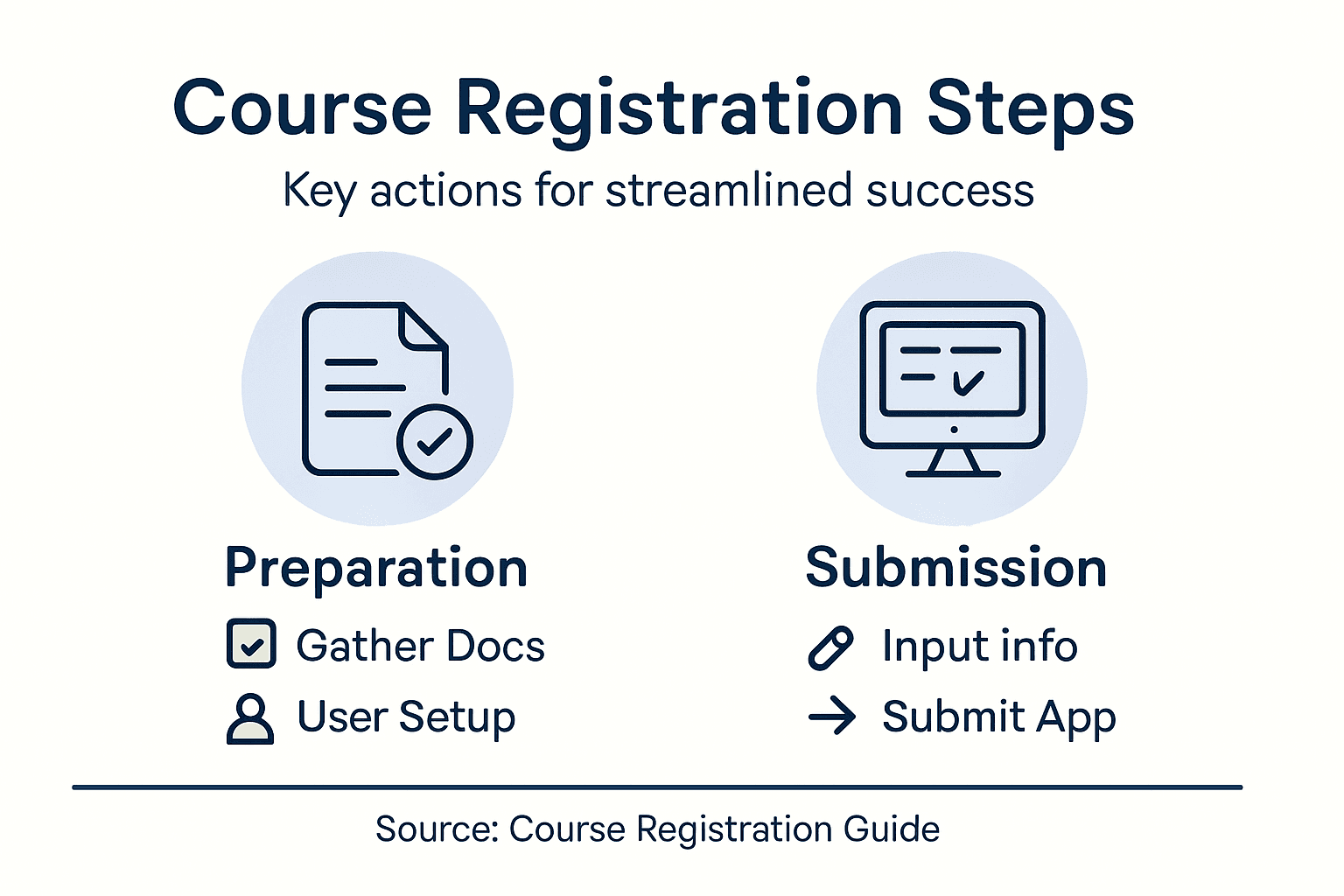
Begin by carefully compiling comprehensive documentation for your submission. Your application package should demonstrate the course’s academic rigor, learning objectives, and alignment with IDCEC standards.
Key steps in the submission and tracking process include:
- Double-check all submitted materials
- Confirm electronic submission is complete
- Save confirmation and tracking numbers
- Establish a dedicated communication channel
- Set calendar reminders for follow-up
- Prepare supplemental documentation in advance
Carefully monitor your application status through the official portal, paying close attention to any requests for additional information. Prompt and professional responses can significantly accelerate the review process and demonstrate your commitment to meeting accreditation standards.
Successful accreditation requires patience, precision, and proactive communication throughout the review process.
Pro tip: Create a dedicated email folder and digital archive for all accreditation correspondence to ensure no critical communication is overlooked or accidentally deleted.
Step 5: Verify approval and configure launch logistics
With your course accreditation secured, the final stage involves meticulously preparing for a successful launch. This critical phase transforms your approved educational content into an operational learning experience that meets both IDCEC standards and participant expectations.
Begin by thoroughly confirming course approval status within the official system. Careful verification ensures all accreditation requirements have been fully met and no outstanding documentation is needed.
Key launch configuration steps include:
- Validate accreditation credentials
- Set precise course schedule and delivery dates
- Configure learning management system access
- Prepare participant communication materials
- Test technological delivery platforms
- Establish participant support channels
- Generate completion certificates
Each configuration detail requires strategic planning to create a seamless learning experience. Coordinate with your technical team to ensure all digital infrastructure supports smooth course delivery, including reliable video streaming, interactive components, and robust participant tracking mechanisms.
Meticulous preparation transforms an approved course from a theoretical concept into a dynamic educational opportunity.
Pro tip: Create a comprehensive launch checklist with specific deadlines and responsible team members to ensure no critical configuration step is overlooked during the final preparation phase.
Here’s a summary of how each registration step contributes to successful course delivery:
| Step Name | Main Objective | Outcome for User |
|---|---|---|
| Gather Course Details | Collect all required documents | Ensures eligibility and prevents delays |
| Provider/User Setup | Configure account and permissions | Enables course access and secure profile |
| Input Information in IDCEC | Enter precise course data | Facilitates accreditation and evaluation |
| Submit Accreditation | Finalize and monitor application | Tracks progress and ensures timely approval |
| Verify Launch Logistics | Prepare course launch details | Delivers smooth, accredited learning |
Accelerate Your Course Registration Journey with CEU Builder
The “Course Registration Process Guide for Streamlined Success” clearly shows how complex and detail-oriented course registration can be. From gathering required documents to navigating IDCEC submissions and managing launch logistics, there are many critical steps where errors can cause costly delays and frustration. If your goal is to avoid accreditation setbacks, reduce administrative overload, and ensure a smooth, first-pass approval experience, you need a proven partner who understands these challenges inside and out.
CEU Builder specializes in transforming these hurdles into streamlined success stories. With our deep expertise in Compliance & Accreditation – CEU Builder, we eliminate guesswork by professionally handling provider registration, IDCEC submissions, and accreditation management. Our done-for-you service guarantees 100% approval on the first attempt while accelerating your timeline from months to weeks. For teams wanting more involvement, our platform empowers faster, confident course creation with built-in compliance tools. Learn more about how we turn complex course registration into measurable business growth at General – CEU Builder.
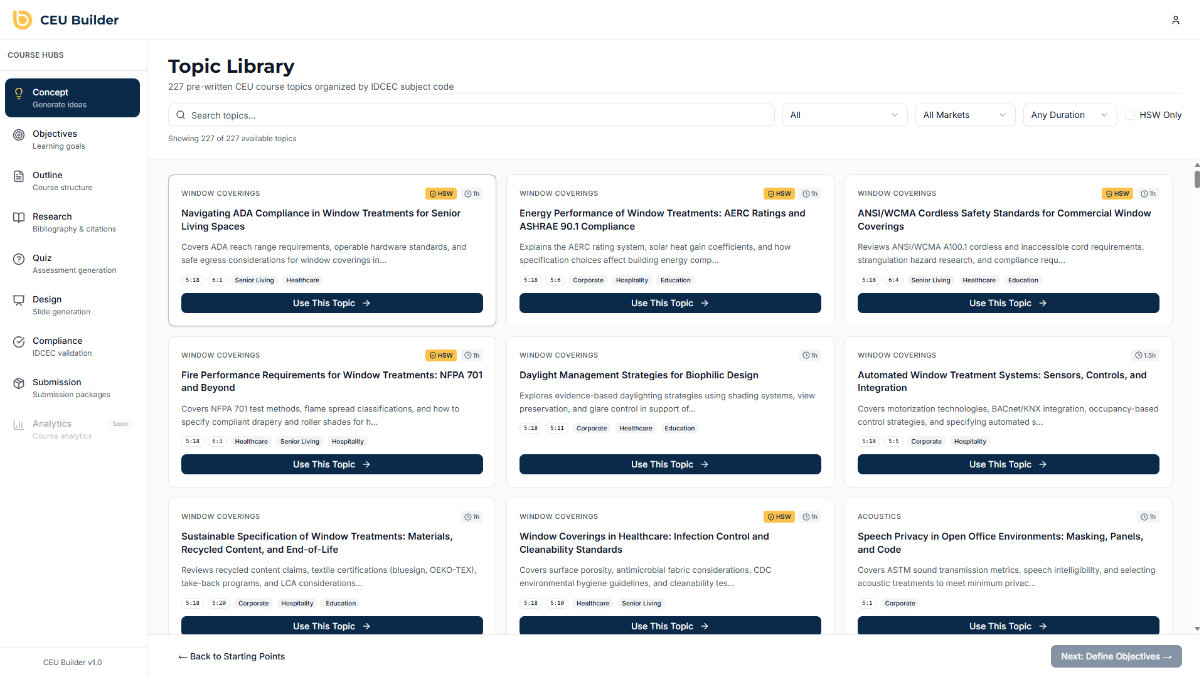
Ready to stop stressing over registration details and start delivering accredited courses that drive specification and revenue? Visit CEU Builder today to explore our tailored solutions and take the fastest path to CEU success.
Frequently Asked Questions
What documents do I need to gather for course registration?
To successfully register for a course, you generally need to collect government-issued identification, academic transcripts, proof of prerequisite courses, and any financial aid documentation. Start by making a checklist of all required documents specific to your chosen program to ensure you don’t miss anything.
How can I set up my user profile in the registration system?
Begin by accessing the Student Portal and logging in with your institutional credentials. Ensure that you input accurate personal identification details, verify your contact information, and select your academic program to complete your profile setup.
What information should I input into the IDCEC portal for course accreditation?
When entering information in the IDCEC portal, make sure to include the course title and description, learning objectives, instructor qualifications, and the complete curriculum outline. Carefully check each field for accuracy to avoid delays in the accreditation process.
How do I submit my accreditation application and track its status?
After compiling all necessary documentation, submit your application through the IDCEC portal and save any confirmation details. Set calendar reminders for follow-up and monitor your application status regularly to respond quickly to any requests for additional information.
What steps should I take to prepare for launching my accredited course?
To prepare for a successful course launch, first, verify your accreditation status within the official system. Then, configure your learning management system, set precise course schedules, and prepare communication materials for participants to ensure a seamless learning experience.
How can I ensure my registration process is efficient and organized?
Organize all registration documents in a dedicated folder or digital portfolio to streamline your preparation. Using a clear checklist for each step of the registration process can help you stay on track and minimize the risk of overlooking critical tasks.
Recommended
